-
Why Unexpected P2P Activity on Your Home Wi-Fi Matters
While P2P has legitimate uses, unexpected P2P activity on your home or business network can be a sign that something deserves a closer look.
-
Why Unknown Devices Appear on Your Home Network
Modern homes are filled with smart TVs, cameras, speakers, gaming systems, appliances, and connected devices — many of which identify themselves poorly or change identity over time. While some unknown devices are harmless, others can reveal hidden security risks or suspicious network activity. Home Network Security Unknown devices on a Wi-Fi network are more common…
-

Reclaim Your Wi-Fi: Simple Steps After a Breakup
Life can turn upside down fast — a breakup, the death of a loved one, or someone simply moving out. On top of all the emotions, you’re now left figuring out things you might never have touched before. One of those? Your Wi-Fi. You might be wondering: Breathe. You’ve got this. Let’s walk through how…
-

Hidden Cameras in Your Home? Is someone Watching You?
You’re in your bedroom. Alone. Or so you think.What if a tiny lens is recording your every move — without your knowledge? It’s not a scene from a thriller. It’s a growing reality. Hidden Camera devices are cheap and available everywhere, Ebay, Amazon, Temu all sell them, and all have built in night vision IR…
-
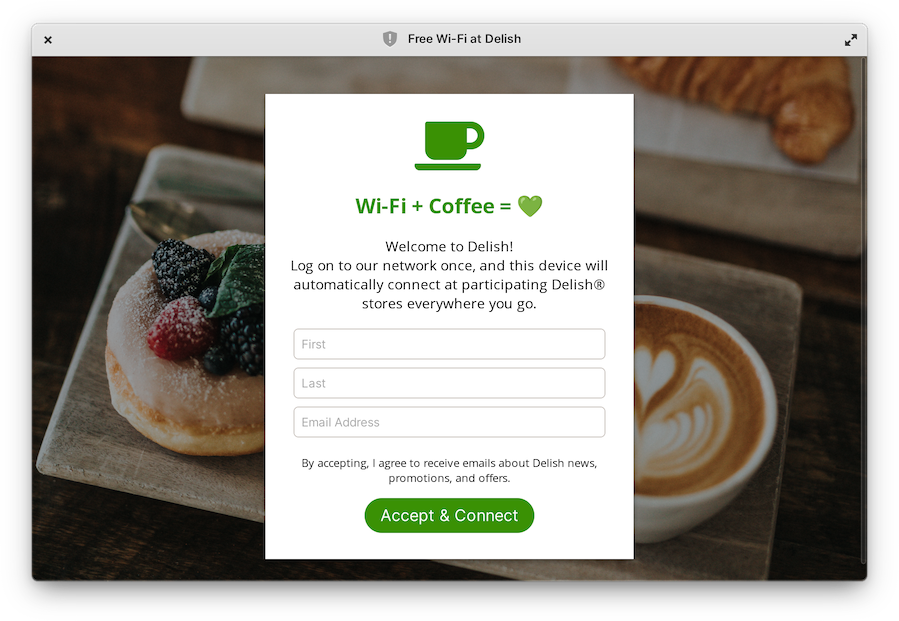
5 Tips to use captive networks more safely.
A captive network is usually temporary Wi-Fi offered by organizations like airports or cafes, requiring actions like logging in, accepting terms, or sometimes payment for access. 1. Avoid it This is a strange tip, but it’s better not to use captive networks and free wifi at all. Using mobile data from your phone is much…
-
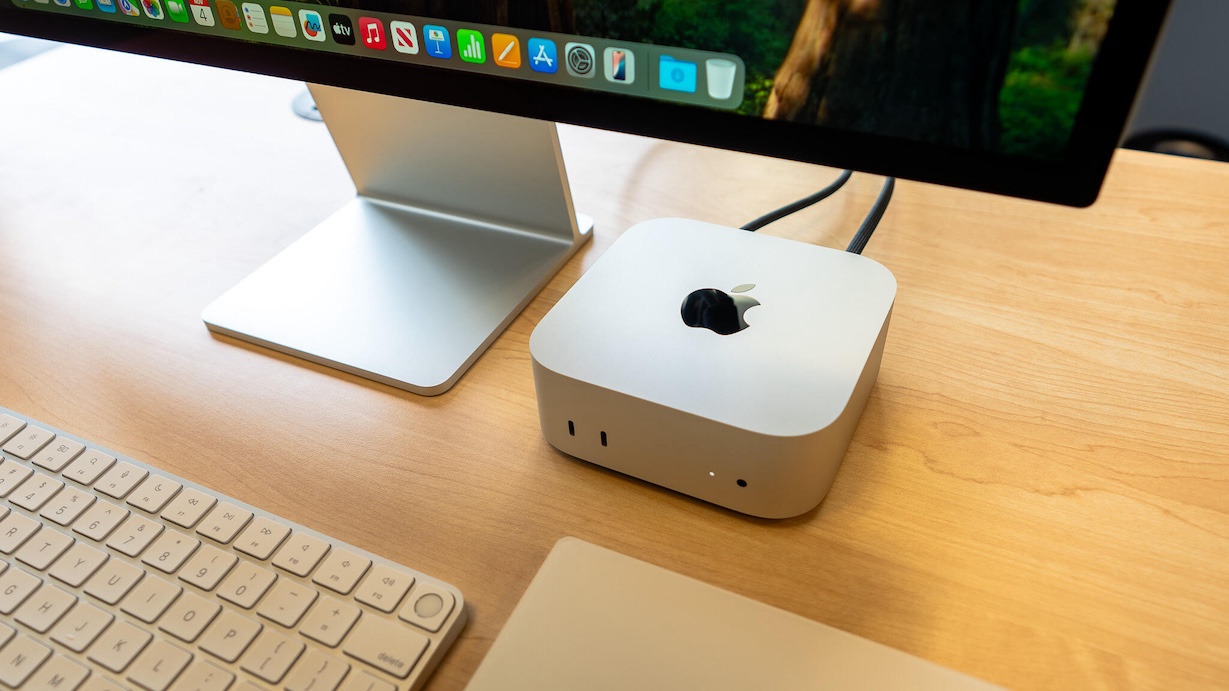
New Mac? 12 Top Tips for securing your new Mac
Everyone knows a new Mac is pretty secure right out of the box. There are still things and settings you can tweak to make them even more secure. 1 Update macOS: The first thing you should do is click the apple menu on the top left > choose System Settings… > Click General > click…
-

Hotel Wi-Fi is risky, 10 smart tips to using it safely.
You secured your home Wi-Fi, but what can you with hotel wifi when travelling? 1. Avoid Scanning QR Codes Offering Free Wi-Fi Scanning unverified QR codes can redirect you to fake or malicious Wi-Fi networks. Bad actors can set up rogue networks designed to steal data or install malware. 2. Verify the Wi-Fi Network with…
-
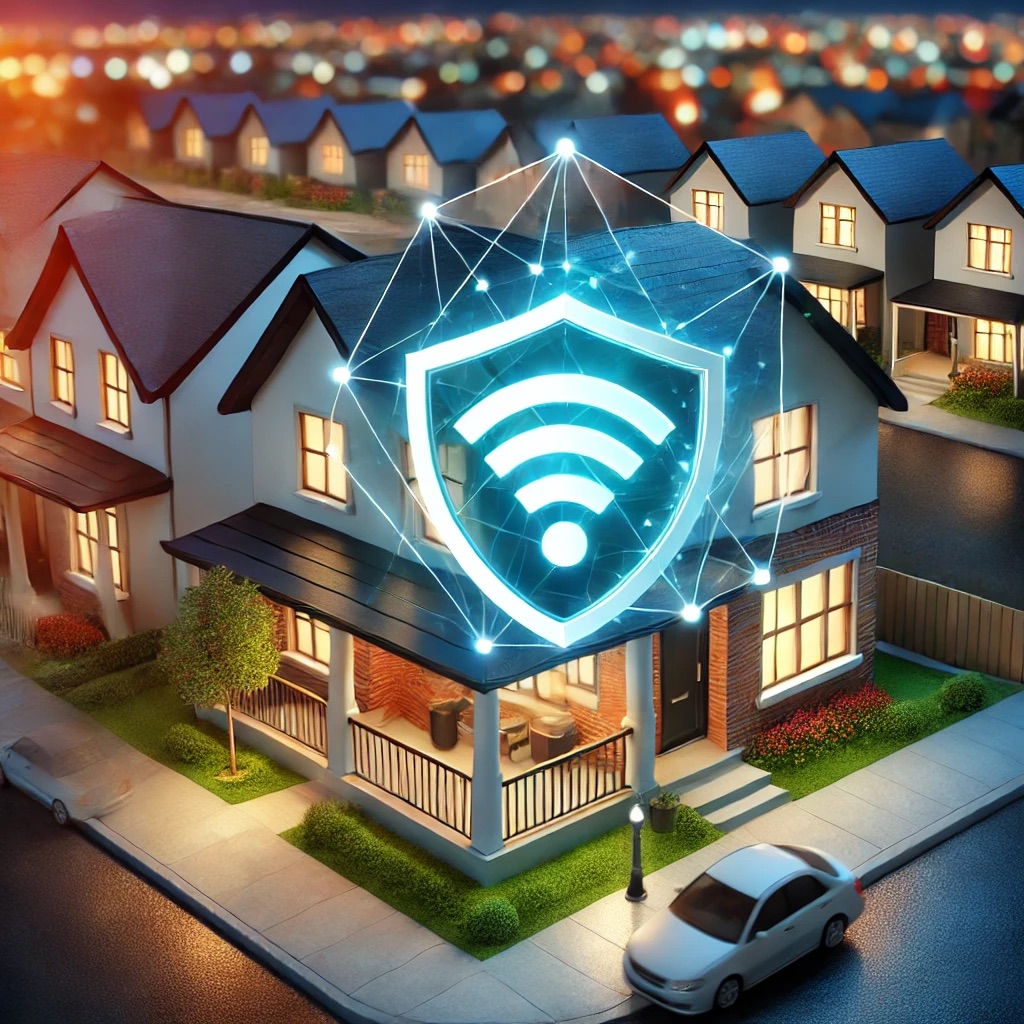
Wifi Anxiety? Easily Secure your home WiFi network.
Wifi is essential, securing your home Wi-Fi network is essential to protect your personal data and prevent unauthorized access. When travelling use these tips, when at home use these tips for securing your home Wi-Fi: 1. Change Default Router Login Credentials 2. Use Strong, Unique Wi-Fi Passwords 3. Enable WPA3 (Or WPA2 if WPA3 Isn’t Available) 4. Change the…